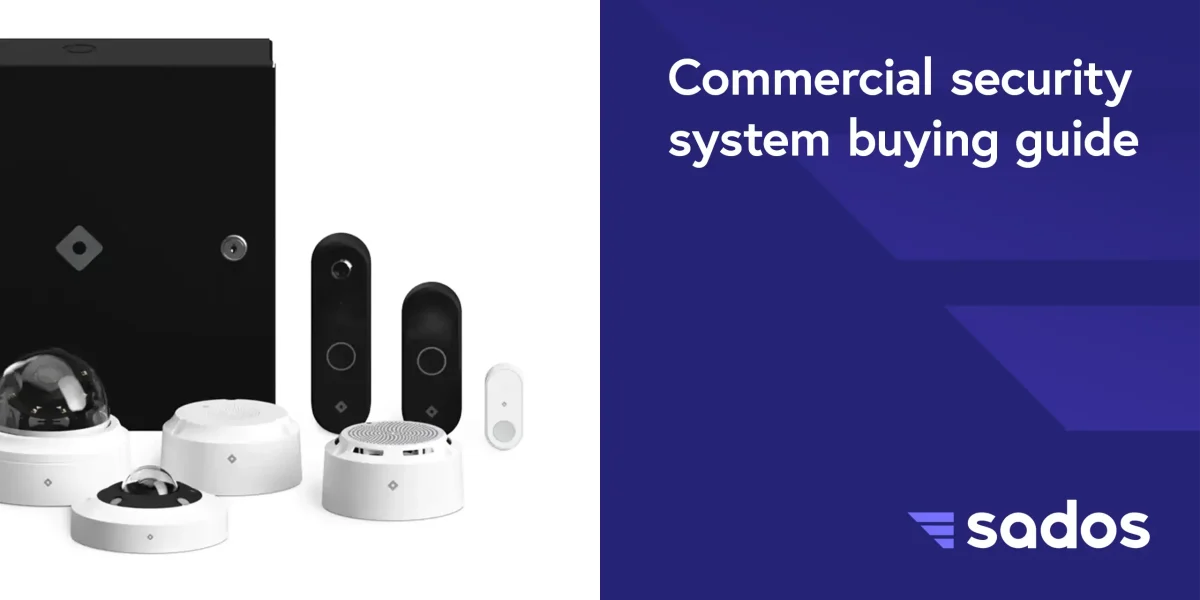
A commercial security system is one of the few technology investments where the quality of what you buy today determines whether you can identify a face, read a license plate, or prove what happened three months from now. The wrong camera resolution, insufficient storage, or poor placement turns your security system into expensive decoration.
This guide covers what actually matters when selecting and installing a commercial camera system for your business. Not brand comparisons. Practical decisions that affect whether your system works when you need it.
Commercial security system resolution: How much do you need
Camera resolution determines how much detail your footage captures. The temptation is to buy the highest resolution available, but higher resolution means larger files, more storage consumption, and higher bandwidth requirements. The right choice depends on what each camera needs to capture.
1080p (2MP) works for general area coverage where you need to see activity and movement but do not need facial identification at distance. Hallway monitoring, parking lot overview, and loading dock traffic are typical 1080p applications.
4K (8MP) captures the detail needed for facial identification, license plate reading, and evidence-quality footage. Entry points, cash handling areas, server rooms, and high-value inventory zones benefit from 4K resolution. The tradeoff is 3 to 4 times the storage consumption per camera compared to 1080p.
Our recommendation: Use 4K on entry points, reception areas, and critical zones. Use 1080p for general coverage in hallways, parking lots, and warehouse aisles. This balanced approach delivers identification-quality footage where it matters without overwhelming your storage infrastructure.
Storage: NVR vs cloud and how long to keep footage
Every frame your cameras record needs to live somewhere. The two options are on-premises network video recorders (NVR) and cloud storage. Most businesses should use both.
On-premises NVR provides fast local playback, no recurring cloud fees, and full control over your footage. RAID-configured drives protect against single-drive failure. CISA physical security guidelines recommend redundant storage for all commercial surveillance installations. The limitation is physical vulnerability. If someone steals the NVR or a fire destroys it, your footage goes with it.
Cloud backup for critical footage provides offsite copies that survive physical disasters. A fire at your building does not destroy the video evidence you need for insurance claims. Cloud storage adds monthly cost but eliminates the single point of failure. Video storage solutions from SADOS typically combine on-premises NVR as primary with cloud backup for flagged events.
Retention planning: Most commercial installations target 30 to 90 days of continuous recording. Your retention requirement depends on your industry, insurance requirements, and how quickly incidents are typically discovered. Retail environments often need 90 days because shoplifting may not be noticed for weeks. Office buildings often work with 30 days.
Placement: What the site survey determines
Camera placement matters more than camera brand. A premium camera pointed at the wrong angle captures nothing useful. A properly placed mid-range camera captures everything you need.
A professional site survey maps every entry point, identifies coverage gaps, determines mounting locations, and calculates field-of-view requirements for each camera position. The survey also identifies lighting challenges, especially transitions between indoor and outdoor areas where wide dynamic range (WDR) cameras prevent overexposure and underexposure in the same frame.
Integration: Cameras as part of a system
Cameras are most valuable when they connect to the rest of your security infrastructure. A door opening on your access control system should trigger the nearest camera to flag that footage for easy retrieval. An alarm event should pull corresponding video automatically so investigators do not scrub through hours of empty hallway.
Standalone cameras record everything and flag nothing. Integrated systems record everything and surface what matters. The integration happens at the platform level during installation, not as an afterthought.
Remote access: Viewing from anywhere
Every modern commercial camera system should include remote viewing through web browser and mobile app. Management should be able to check live feeds and review recorded footage from anywhere with an internet connection. Role-based permissions control who can view what, ensuring sensitive areas are restricted to authorized personnel.
Getting started
The right commercial security system starts with a site survey, not a product catalog. Schedule an installation consultation to walk your facility with our low-voltage team. We map coverage zones, recommend camera specifications for each position, design storage around your retention requirements, and provide a detailed proposal with no obligation.
Our camera systems page covers the full range of capabilities we install for DC area businesses.